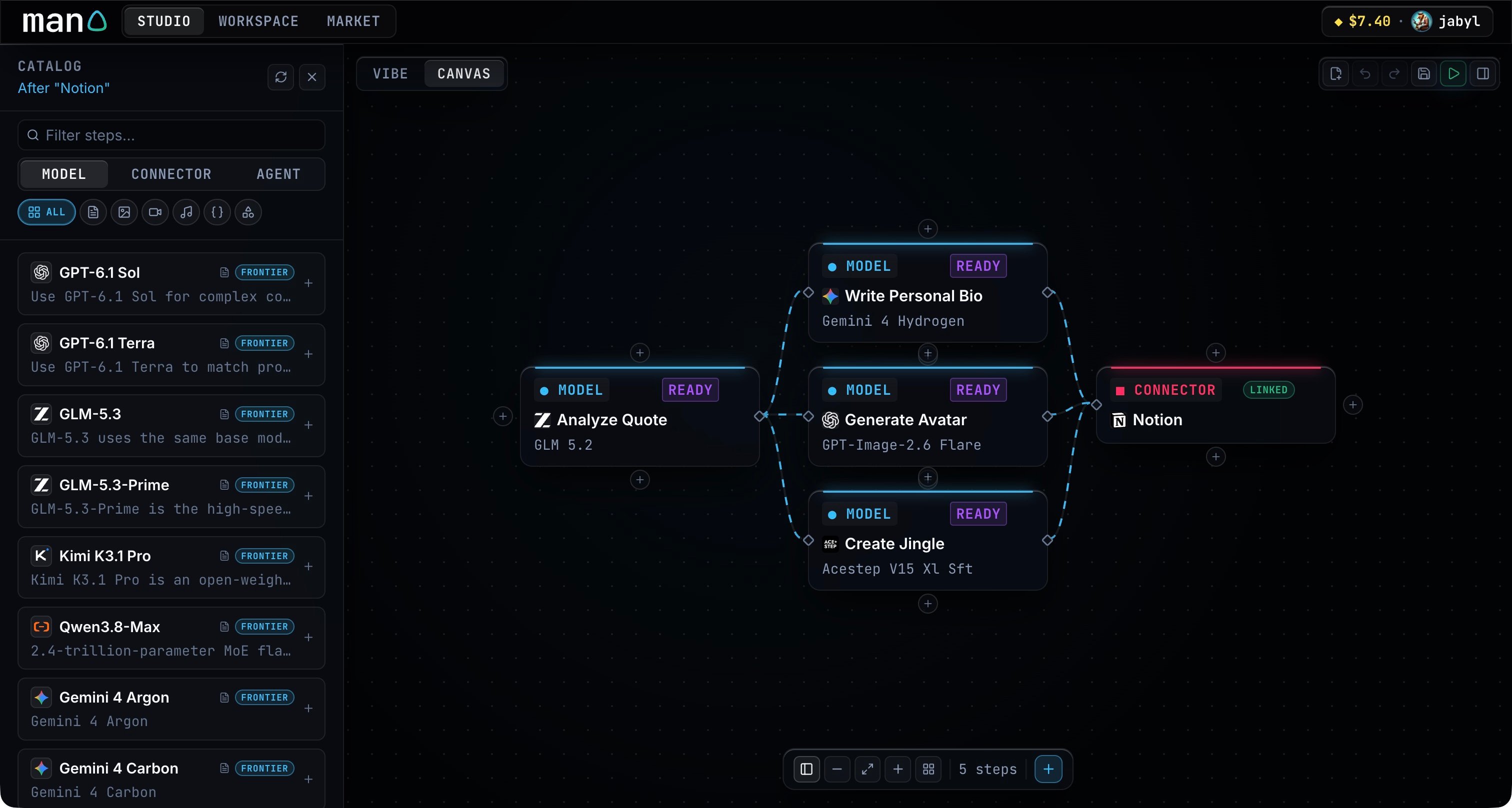
Open Catalog in Canvas and choose Model, Connector or Agent. Search by name or task, then use the category controls to narrow the list. Model catalog with search and category controls beside Canvas

Models

A model step transforms its input. Use text models for analysis and writing; choose an image, audio, music or video model when the step needs that kind of output. Read the entry’s description and supported inputs before selecting it. The catalog includes model families and Frontier or Latest labels to help you compare entries.

Connectors

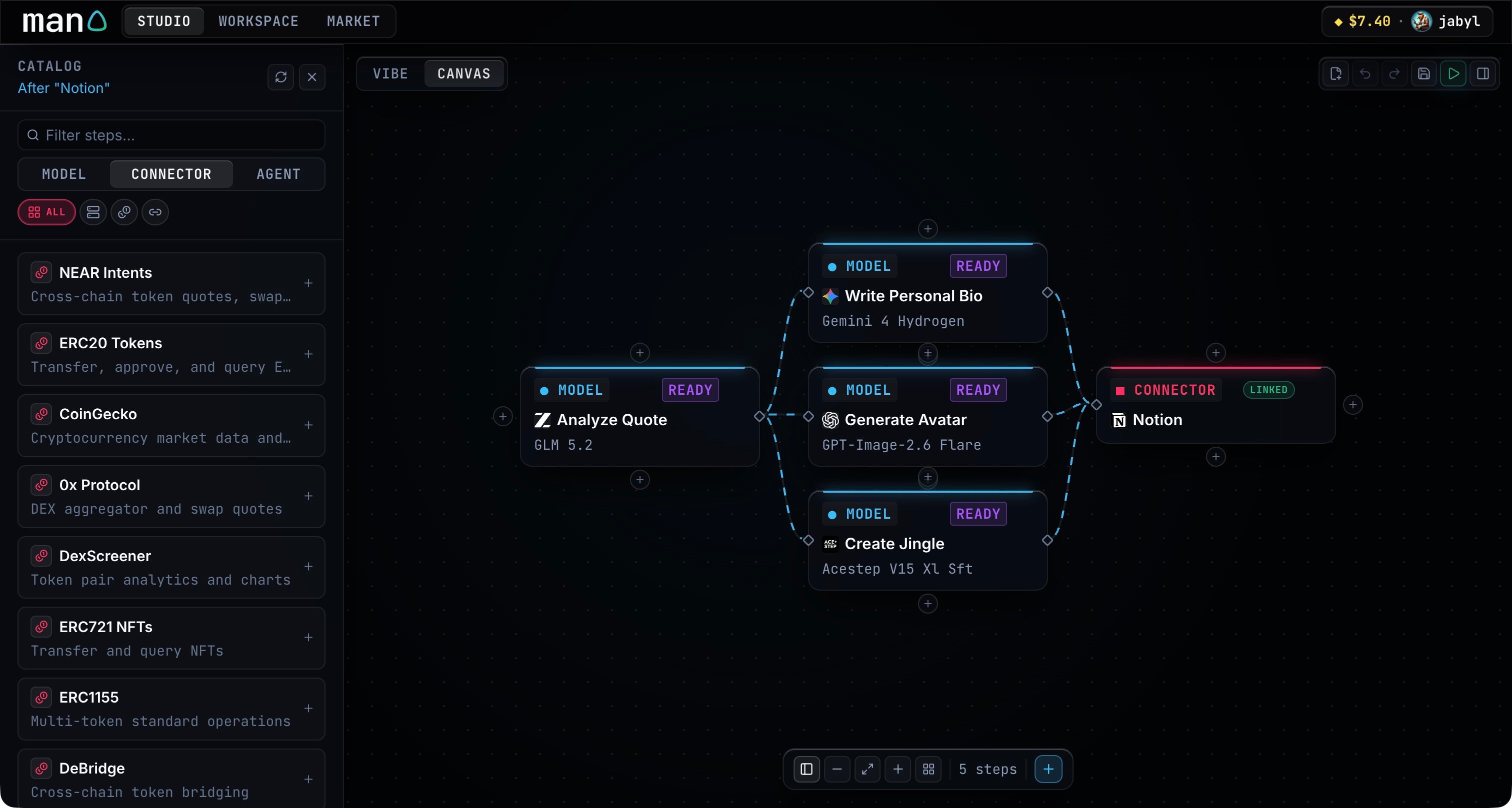
Connectors read from services or deliver results to them. Choose the service, then describe the action in the step’s instructions. For example, ask Notion to create a page containing the earlier steps’ outputs. Connector catalog showing NEAR Intents and other connected services Some connectors need an account connection or a credential. Man0 asks for it when the workflow needs access; you can then resume the same run.
Agents

Use an agent step when you want a specialist to handle part of the workflow. A coordinator manages the whole run, while an agent step handles its assigned task. The catalogs support external sources and will grow over time, opening to verified external contributors.