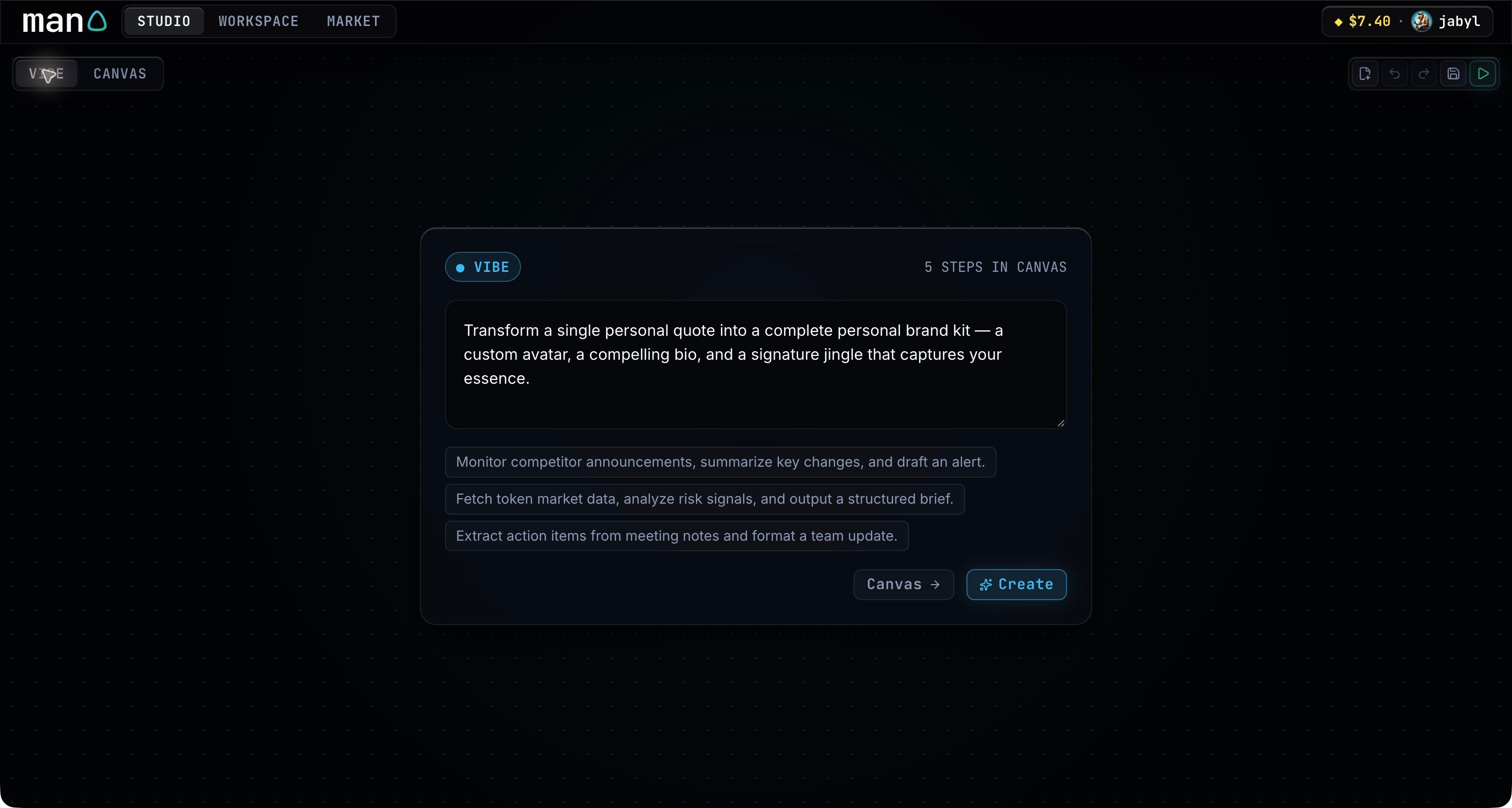
In Studio → Vibe, describe the job and where its result should go. Name any model or connected app you want to use. For example: “Take a personal quote, write a short bio, generate an avatar and a jingle, then put the kit in Notion.” Vibe with a workflow description and the Create button
1

Describe the outcome

Include the input, the work to do, and the final output. Choose an example prompt if you want a starting point.
2

Click Create

Man0 selects catalog entries and adds their steps and connections to Canvas. You can follow the progress as it builds.
3

Review the workflow

Open Canvas. Select each step to check its model or connector and edit its instructions. Use the workflow overview to check the title, description, categories and coordinator.
You can return to Vibe and describe a change to the current workflow. Ask for a specific edit, such as “replace the image step with a logo” or “send the report to Notion.” Vibe builds the workflow; Test run lets you try it with your own input. Files and voice recordings go in the test or run composer.