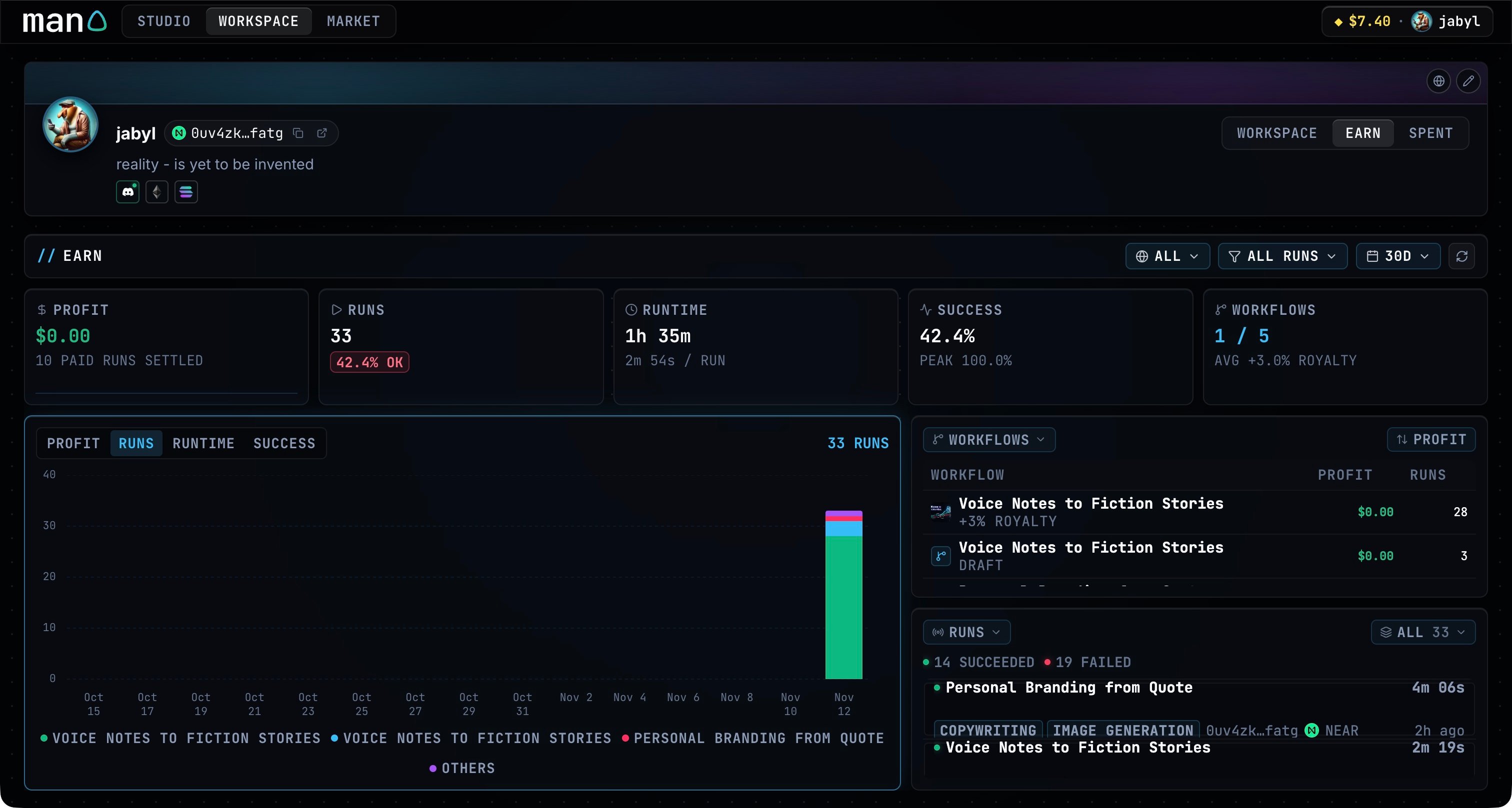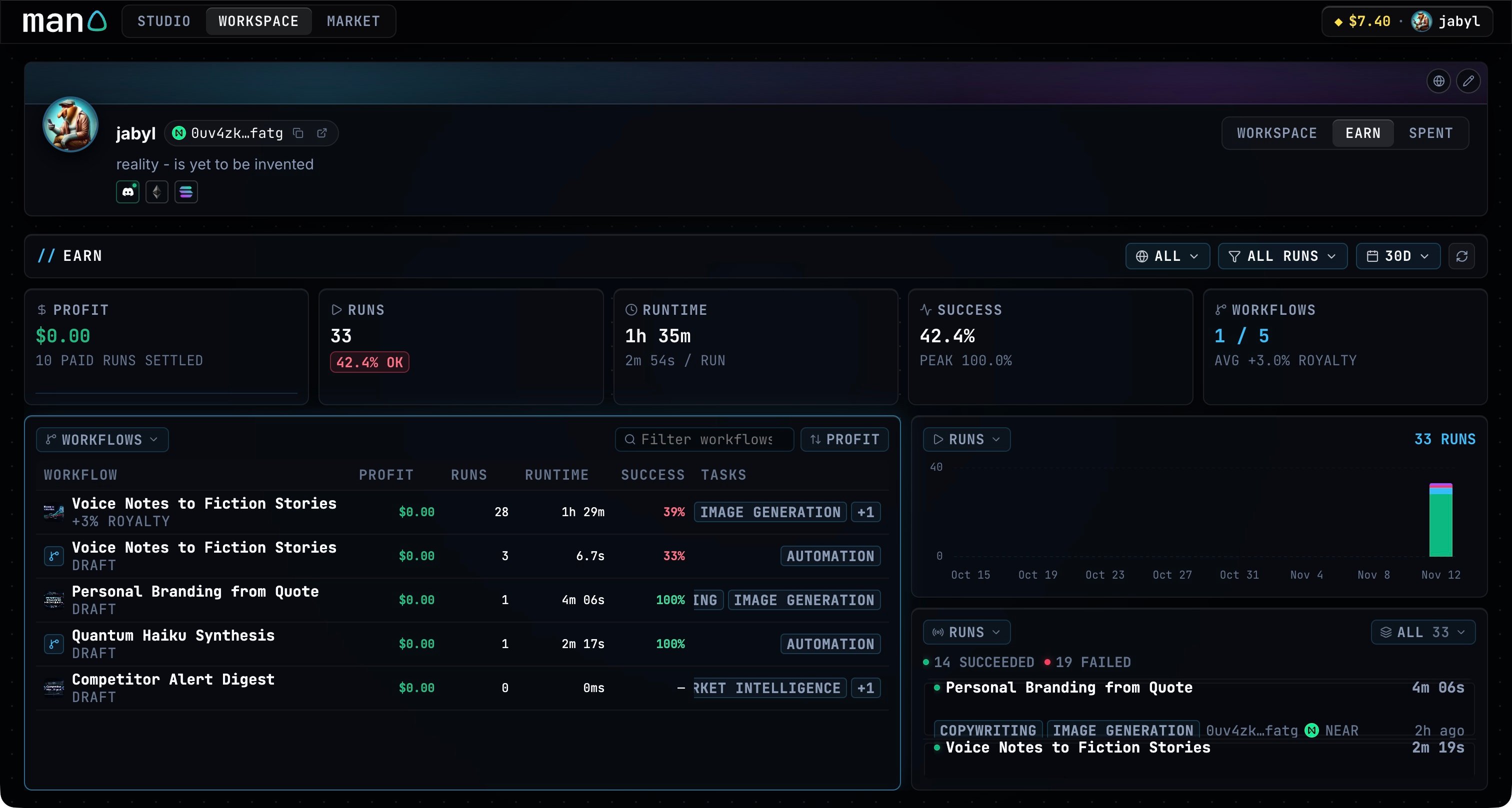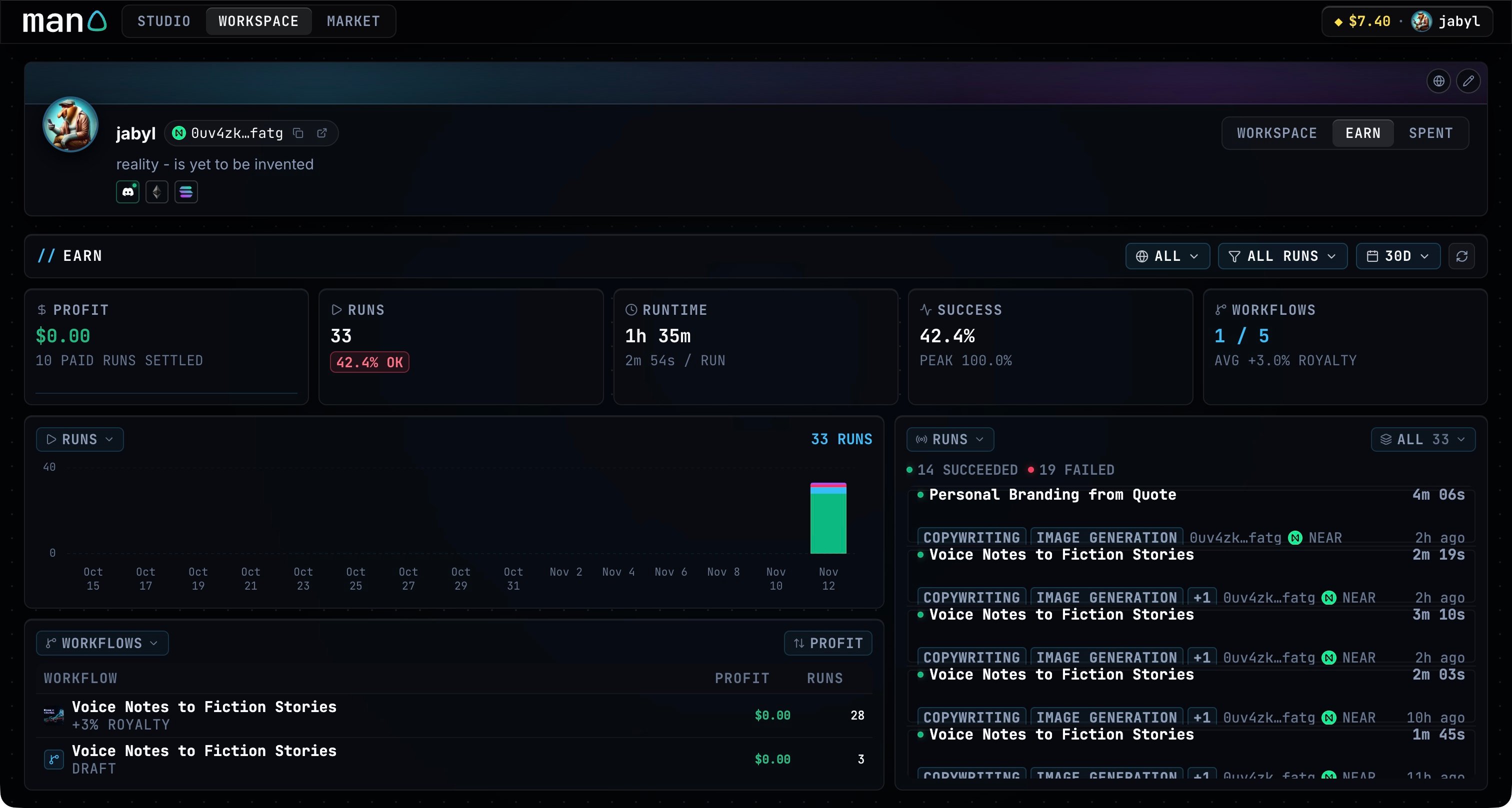
Choose what to compare
Select 24H, 7D, 30D or 180D. Filter by NEAR, EVM or Solana, and use PAID or FREE / DRY to narrow the activity. Click the refresh button to update the data.Inspect a chart or workflow
Click a chart or table to expand it. Change the timeline to PROFIT, RUNS, RUNTIME or SUCCESS; hover over a point to see its values. Runs and runtime show the leading workflows alongside the remaining activity.