
1
Check the workflow details
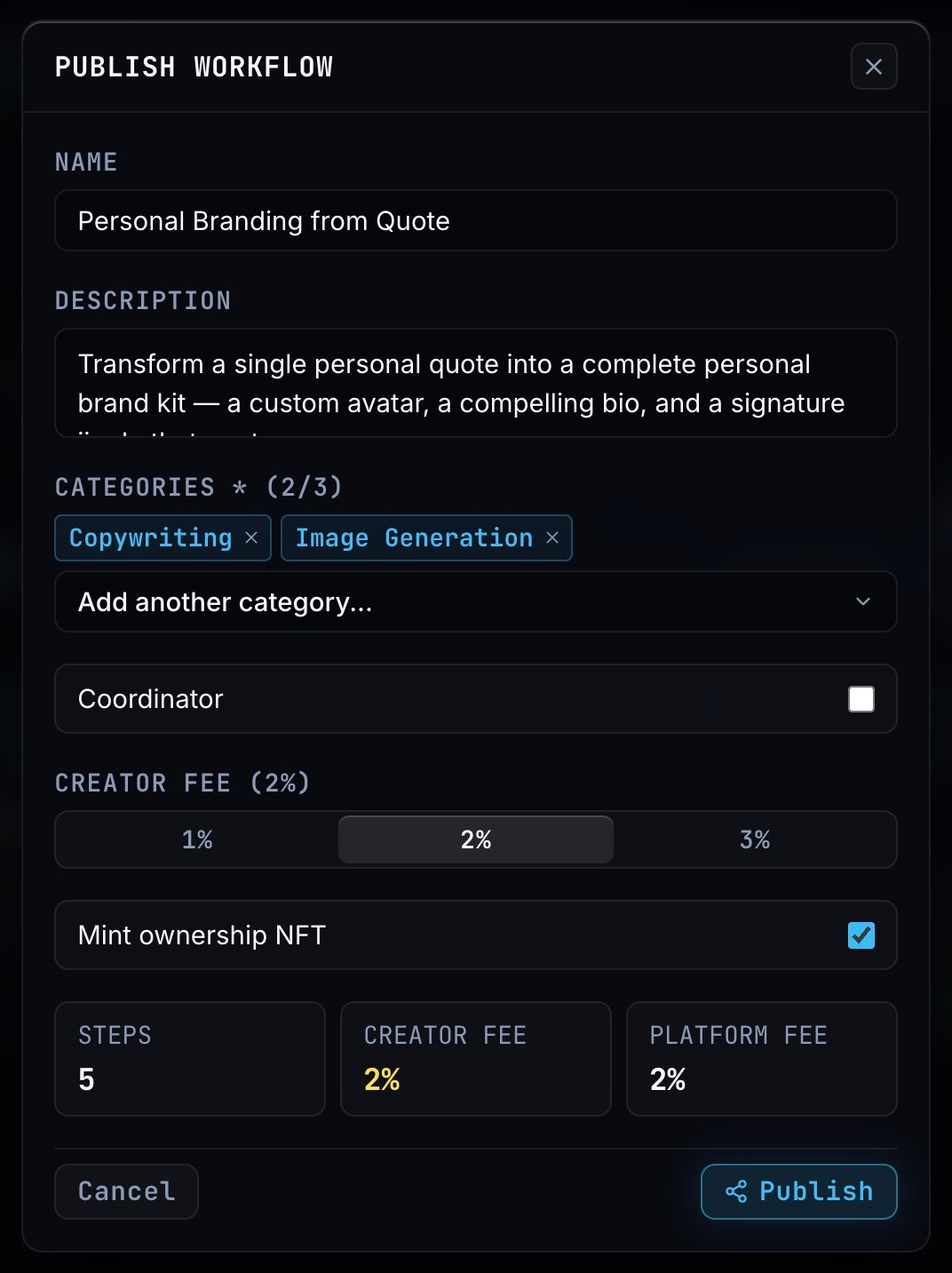
Review Name and Description, then choose up to three Categories so people can find the workflow by task. Check the step count below.
2
Choose the coordinator and creator fee
Enable Coordinator if you want to attach a specific persona. Choose a Creator fee of 1%, 2% or 3% for runs by other people.
3
Review ownership
Mint ownership NFT starts selected. Leave it selected to record the workflow’s ownership on NEAR and attach its metadata card.
4
Publish
Click Publish. The workflow appears in Market and in Workspace’s Published filter.