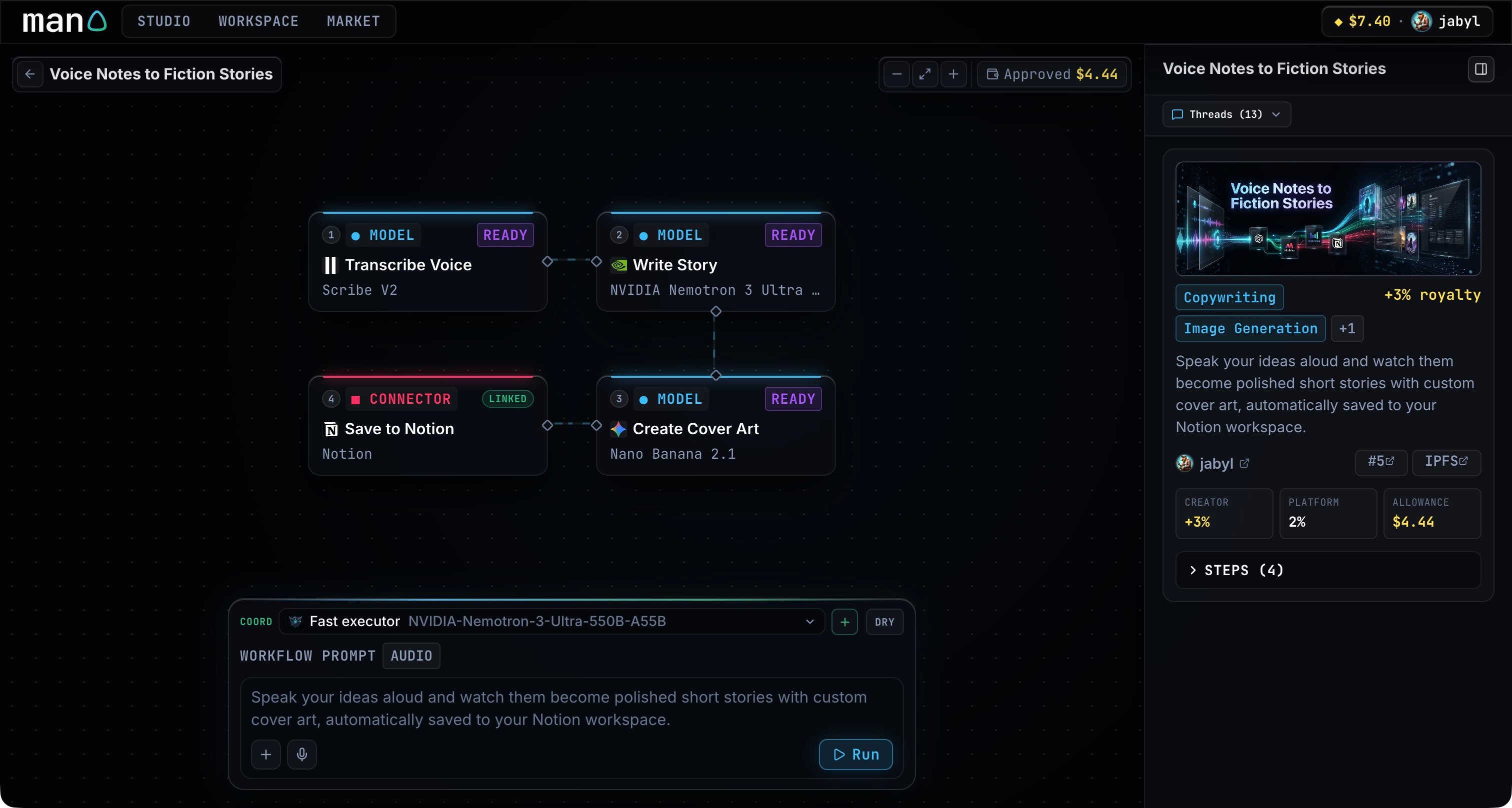
Give it the input it needs
Choose the coordinator and check your spending session. Type your request in the composer, attach files, paste or drop them into the input, or use the microphone to record a message. You can send up to eight attachments, with a 20 MB limit per file. Preview or remove a recording before submitting. Press Enter to send, or Shift + Enter to add a line.Follow the run
The activity view shows what the coordinator is doing and which steps have finished. Open a step to read its output. If a service needs a connection, open its request, connect the account and continue. If the workflow asks a question, answer it in the same conversation. Man0 keeps the completed step outputs with the thread.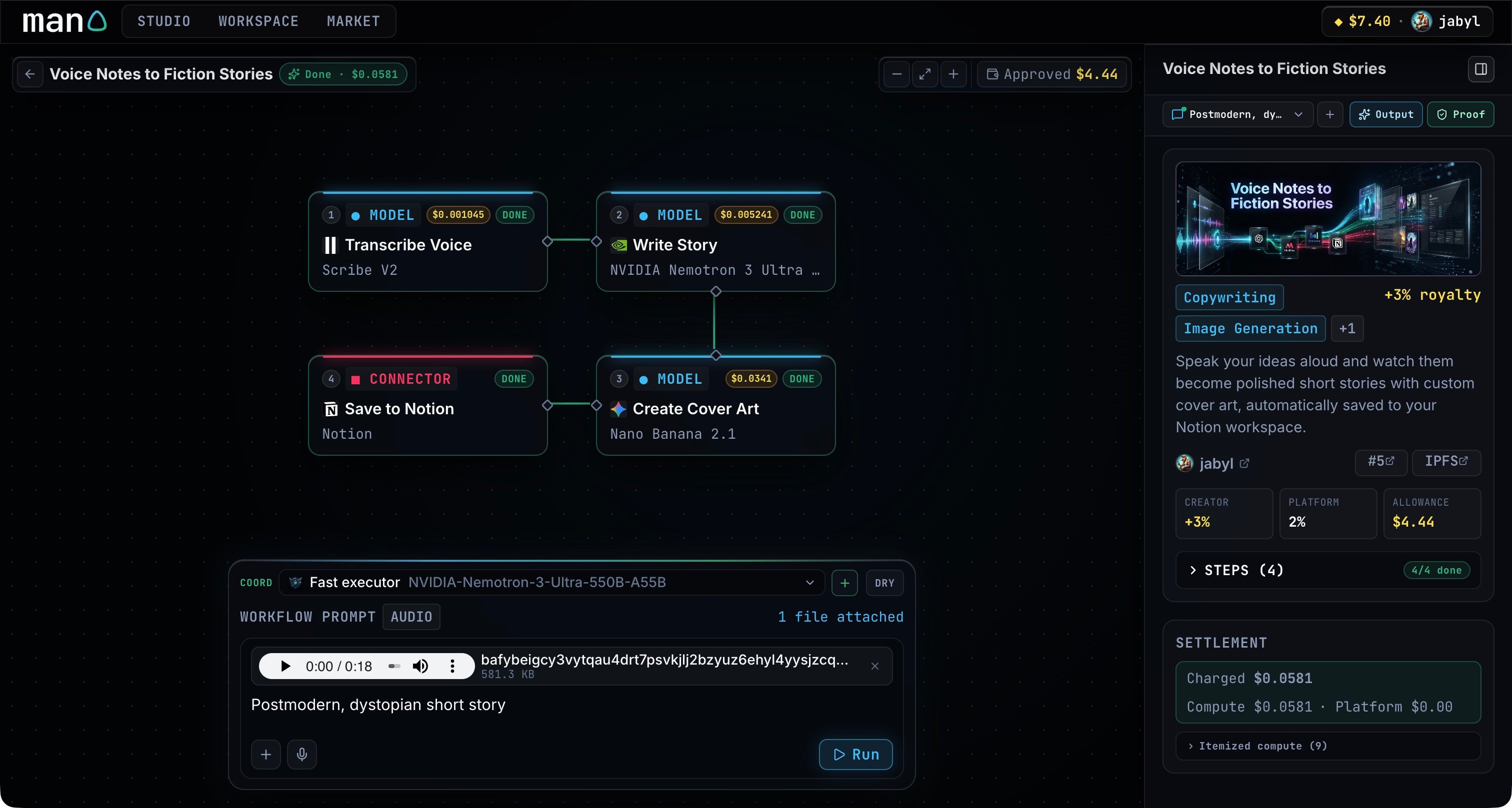
Use the result
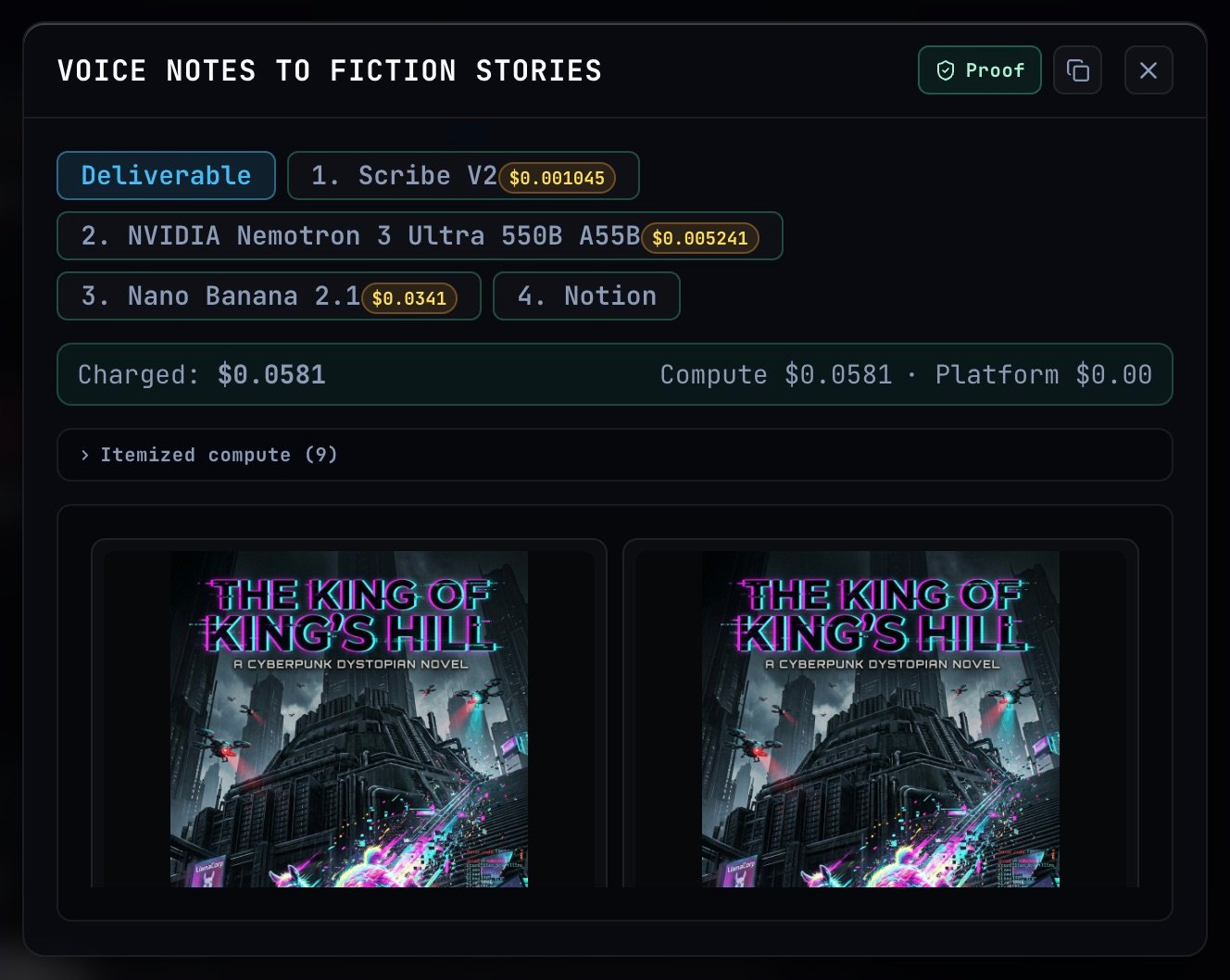
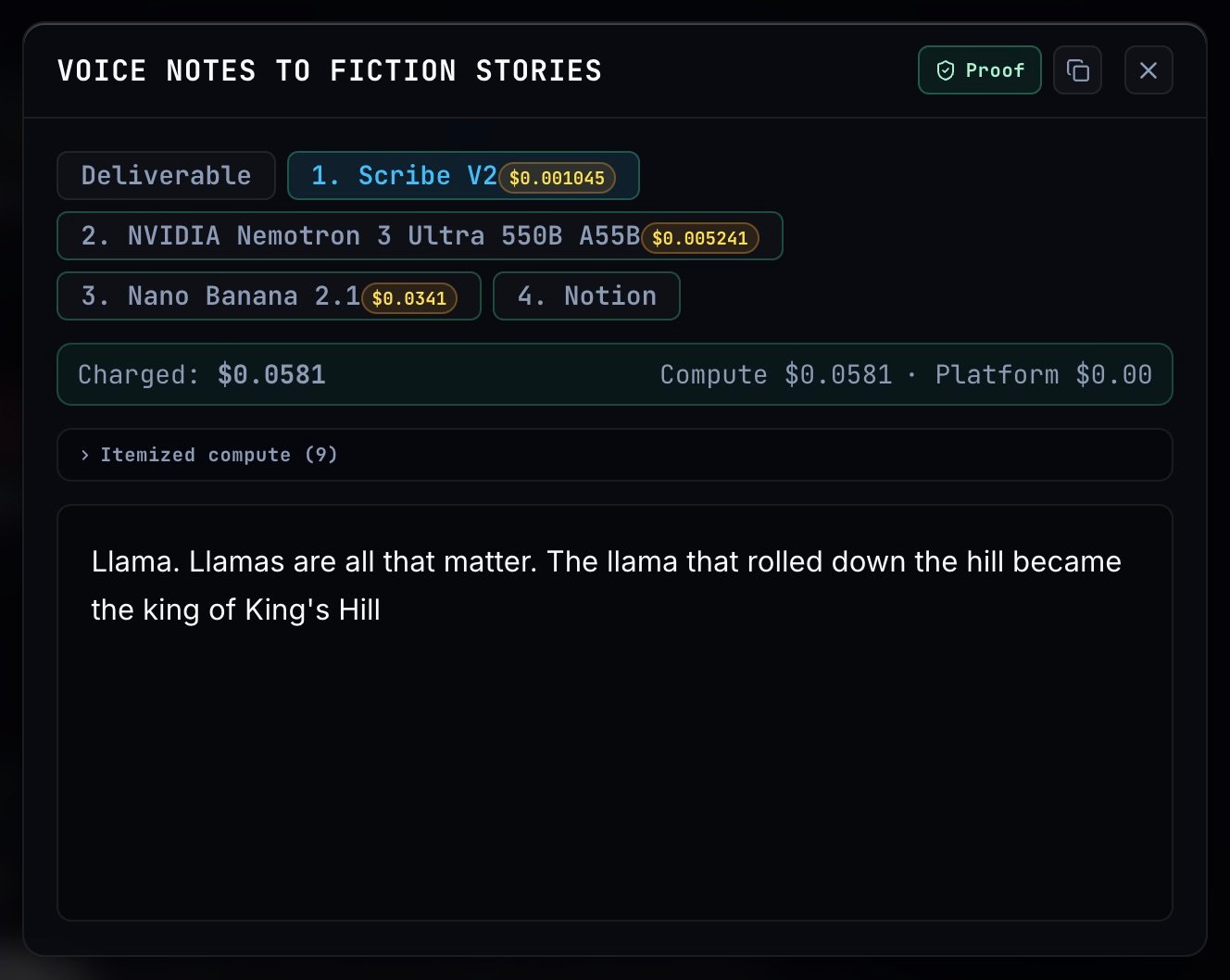
Click Output beside the thread selector to open the result. Deliverable contains the combined output; the numbered tabs show each step’s result. Use Copy output for text, or open the generated media and delivery links.- Deliverable
- Step output
Reopen a saved run
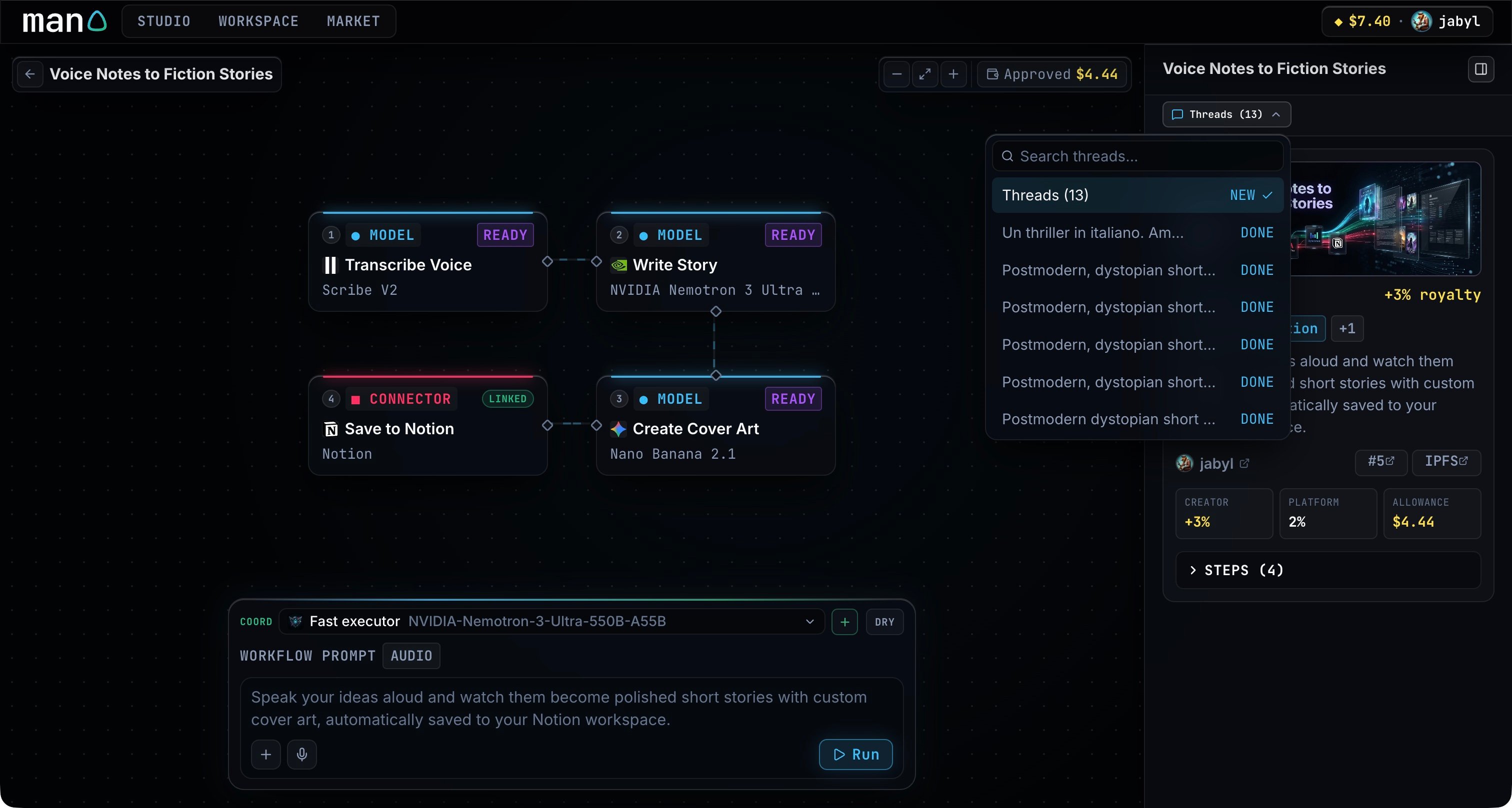
Open Threads in the workflow card, search the conversations, and choose the one you want. You can read its results without starting another run. Use the plus button beside the selected thread to start a new conversation.