
1
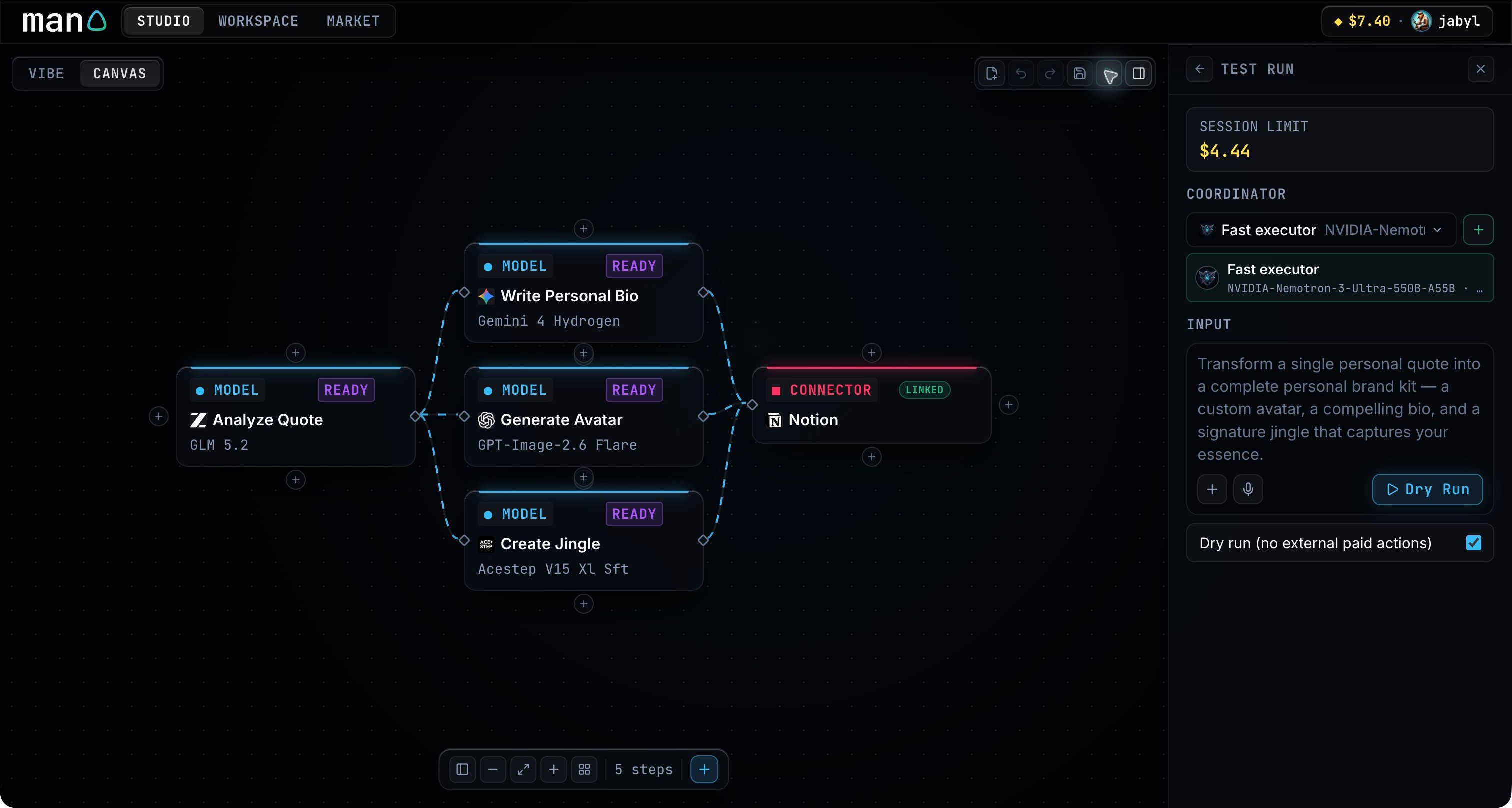
Choose the session and coordinator
Check the spending limit and select the coordinator for this test. Use Session if you need to approve funds.
2
Add your input
Type the task, attach a file, or record a voice message. Files can be up to 20 MB each. Preview a recording before sending it.
3
Choose how to test
Dry run (no external paid actions) starts selected. It tests without connector writes; models and read operations can still use paid compute. Clear it when you want the connector to carry out the action.
4
Review the outputs
Submit the input, follow the activity, then open the individual step outputs. If the workflow asks for information or a connection, supply it and continue the same thread.