
1
Find the route
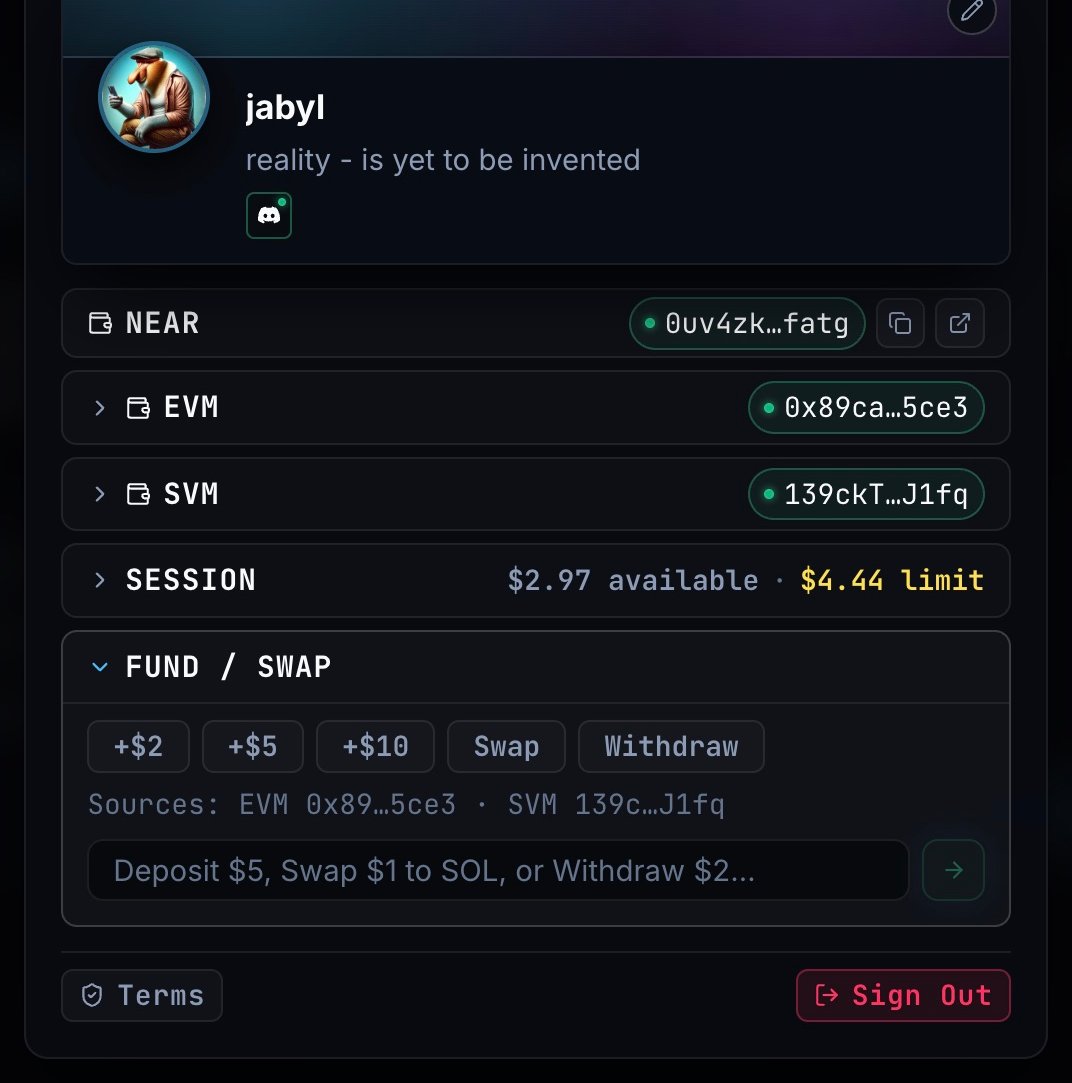
Enter the amount, token and destination you need, then click the arrow to find a route. Man0 reads the supported networks and available wallet balances.
2
Review the transfer
Check the source wallet, input amount, destination token, receiving address and quoted output. A transfer can use more than one funding source.
3
Confirm and follow progress
Continue with the route and confirm any request in your connected wallet. Follow Route Ready, Origin Tx, Swap and Credited; use the transaction links to inspect the transfer.